Your AI Coding Assistant Is Flying Blind - Here’s How to Fix That (Case Study)
Abstract
What happens to user research once development moves into AI-assisted IDEs such as Claude Code, Cursor, or GitHub Copilot? These tools can generate designs and implementations quickly, but they typically know little about the users, tasks, constraints, and design decisions behind the product.
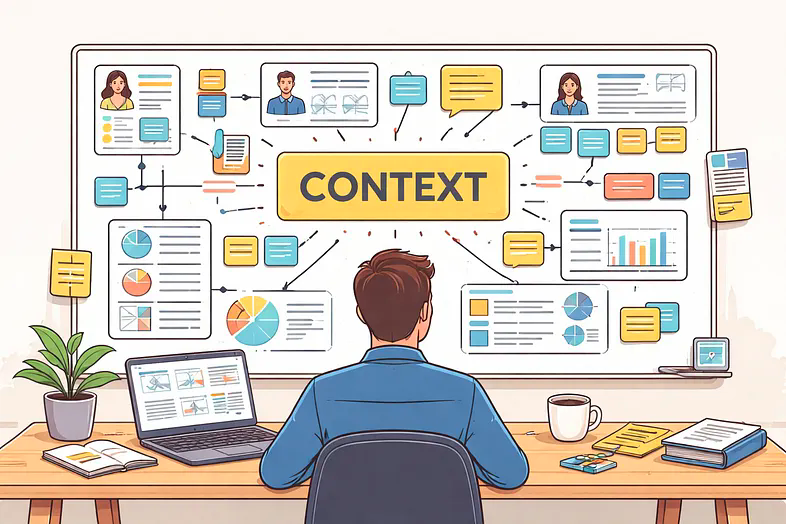
This article shows a practical workflow for bringing that context directly into the development environment. Product and technical specifications are kept alongside the code, while a ux.md provides the AI assistant with the UX context it needs when designing or implementing a feature. Project instructions such as CLAUDE.md can point the assistant to these sources so that they become part of its working context.
Product Context Analyzer fits naturally into this workflow. It can turn user research, including interview transcripts, into structured descriptions of stakeholders, tasks, task objects, constraints, user needs, intended outcomes, user requirements, and user stories. PCA can then provide this information as an AI-ready ux.md or UX Prompt that can be used directly by an AI coding assistant.
The example illustrates how PCA can make user research operational in today's AI-assisted development environments: instead of repeatedly explaining research findings and design intent to the AI, teams can provide a structured context-of-use foundation that travels with the project and informs design and implementation as the product evolves.